
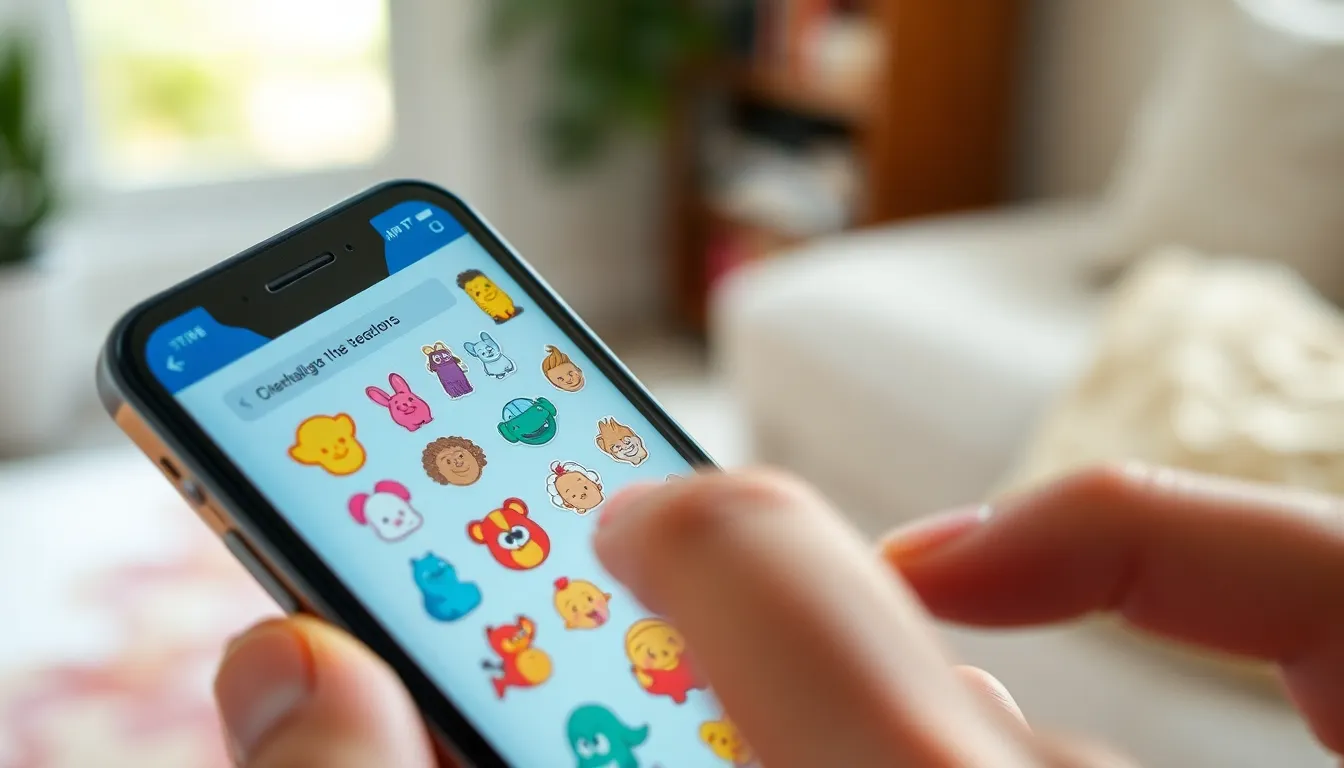

Stickers on an iPhone can be a fun way to jazz up conversations, but sometimes they can feel like that overly enthusiastic friend who just won’t stop talking. If you’ve ever found yourself scrolling through a sea of animated emojis or trying to decipher what that giant avocado sticker means, you’re not alone.
Turning off these digital embellishments might just be the breath of fresh air your messaging app needs. Whether you’re looking to declutter your chats or simply want to regain control over your screen, this guide’s got you covered. Get ready to reclaim your iPhone from the sticker invasion and enjoy a more streamlined texting experience.
Understanding Stickers on iPhone
Stickers on iPhone enhance messaging by adding visual expression. Users often find them entertaining, but they can clutter conversations.
What Are Stickers?
Stickers are graphic images or animations used in messaging. They come in various themes, including emotions, holidays, and popular culture. Users can find these digital embellishments in apps like iMessage and third-party platforms. Some stickers are pre-installed, while others can be downloaded from the App Store. Custom sticker packs enable personalization, allowing users to create unique expressions.
How Stickers Work in Messaging Apps
Messaging apps utilize stickers to enrich conversations. Stickers can be accessed from the app’s interface, typically through a designated button or icon. When sent in a chat, they appear as larger images compared to standard emojis. Users often apply stickers to convey humor, sympathy, or excitement, enhancing the emotional context. Many apps support animated stickers, adding an interactive element to messages.
How to Disable Stickers
Disabling stickers on an iPhone streamlines messaging. Users can focus more on conversations without distractions from graphics.
Turning Off Stickers in iMessage
To turn off stickers in iMessage, users should open the app and start a new conversation. Tap the App Store icon next to the message field. Next, find and select the icon with four dots. Swipe left or right through apps until they locate the sticker app. After selecting it, users can hit the “X” to remove it from the favorites. This action hides the stickers but doesn’t delete them, allowing users to access them later if desired.
Adjusting Settings for Third-Party Apps
Adjusting settings for third-party apps requires a few straightforward steps. Users should open each messaging app that’s being used and navigate to the settings menu. Look for the section designated for Stickers or Emojis. Some apps allow users to disable stickers or adjust visibility settings. Disabling stickers can enhance the chatting experience by reducing clutter, making it easier for users to read messages without distractions. Users can then enjoy a more organized and coherent conversation flow.
Troubleshooting Sticker Issues
Users may encounter issues while managing stickers on their iPhones. Addressing common problems can streamline the experience.
Resolving Common Problems
Stickers may not function properly due to settings or app malfunctions. Restarting the messaging app often resolves minor glitches. Adjusting screen permissions can also improve performance. Checking for app updates ensures the latest features and fixes are in place. Users should verify that the correct stickers are downloaded and not accidentally hidden. Clearing the app cache can refresh the sticker library, eliminating issues. Other users have found success by resetting their device settings, restoring sticker functionality.
When to Contact Support
Contacting support is appropriate if sticker problems persist despite troubleshooting. Users should gather relevant information, including device model and iOS version. Providing screenshots can assist support staff in diagnosing issues more effectively. Apple Support may provide further solutions or escalate persistent issues. Third-party app support can also be valuable for resolving specific sticker-related concerns. Recipients of assistance often appreciate the clarity in communication and prompt response times. Accessing official channels ensures accurate information and reliable help.
Alternatives to Stickers
Exploring alternatives to stickers can enhance messaging without adding clutter. Users often turn to GIFs and emojis to express emotions and share reactions effectively.
Using GIFs and Emojis
GIFs and emojis offer dynamic ways to communicate. They convey feelings instantly, adding a personal touch to conversations. Many platforms, including iMessage, support GIF integration, allowing users to search and insert them quickly. Emojis, available directly on keyboards, provide a vast range of expressions. Users can choose from smiley faces, animals, food items, and more to match their mood. Statistics show that messages containing GIFs and emojis receive higher engagement rates, making conversations more lively and interactive.
Recommended Apps for Customization
Numerous apps help customize messaging without stickers. Applications like Giphy and Tenor provide extensive libraries of GIFs, accessible directly from messaging platforms. Downloading apps like Bitmoji allows users to create personalized avatars and stickers, offering a unique expression method. Additionally, platforms such as Canva enable creativity with custom designs and text overlays, enhancing interpersonal communication. Tools like these transform standard messages into visually appealing exchanges, creating a more enjoyable messaging experience. Adopting these alternatives can lead to more meaningful and vibrant conversations.
Turning off stickers on an iPhone can significantly improve the messaging experience. By decluttering conversations users can focus on the messages that matter most. This simple adjustment allows for a more streamlined and organized chat interface.
While stickers add a fun and expressive element to messaging they can also overwhelm users with excessive visuals. Exploring alternatives like GIFs and emojis can provide a fresh way to communicate without the clutter.
With the right steps users can regain control over their messaging apps ensuring that every conversation remains engaging and enjoyable. Embracing these changes leads to more meaningful interactions while keeping the focus on the essence of communication.